
Bing AI Image Generator: Free Tool for Creative Visuals
Artificial Intelligence is reshaping the creative world, and one of the most fascinating areas is AI-powered art generation. Among the growing number of tools available, the Bing AI Image Generator free version has gained immense popularity. Users love it for its accessibility, integration with Microsoft’s ecosystem, and ability to generate realistic, high-quality visuals with simple text prompts.
In this article, we’ll explore the features of the Bing AI Image Generator, how it works, its advantages, limitations, and how it compares to other AI tools such as ChatGPT-based systems. If you’ve already read about the differences between Perplexity AI and ChatGPT, you’ll see how Bing AI’s approach complements those conversational models. By the end, you’ll know whether this tool is worth using for free creative projects, social media visuals, or professional work.
What Is the Bing AI Image Generator?
The Bing AI Image Generator is Microsoft’s integration of OpenAI’s DALL·E model into its Bing search engine and Edge browser. It allows users to create images instantly by typing descriptive text prompts. Unlike many premium AI art tools, Bing provides a free version with daily boosts, giving casual users the chance to experiment without cost.
This tool democratizes digital creativity by allowing anyone from students and marketers to bloggers and designers to turn ideas into visuals in seconds.
How Does the Bing AI Image Generator Work?

Bing’s image generator is powered by advanced AI models trained on massive datasets of art, photos, and digital visuals. Here’s a quick breakdown:
- User Input: You type a text prompt (e.g., “a futuristic city skyline at sunset in cyberpunk style”).
- AI Processing: The model interprets your words and generates multiple image options.
- Customization: You can refine your prompts to improve results or try different artistic styles.
- Download & Use: The final images can be downloaded for personal or professional use, depending on Microsoft’s content guidelines.
This intuitive process makes the Bing AI Image Generator especially appealing for beginners compared to more technical tools.
Why Use Bing AI Image Generator Free?
The free version of Bing’s AI tool is packed with benefits:
- Zero Cost: You can generate images without a paid subscription.
- Accessibility: Integrated directly into Bing and Microsoft Edge.
- Ease of Use: Simple prompt-to-image process, ideal for non-technical users.
- High-Quality Output: Produces clear, detailed images that rival premium platforms.
- Boosted Daily Quota: Free daily “boosts” give faster generation times.
For bloggers or businesses exploring AI tools for productivity and creativity, this free option is an excellent entry point. In fact, it can complement your broader digital toolkit, just as tools like ChatGPT assist with content generation.
Limitations of the Free Bing AI Image Generator
Despite its strengths, there are some drawbacks:
- Limited Boosts: Once daily boosts are used up, generation slows down.
- Copyright Concerns: Commercial use rights can sometimes be unclear.
- Content Restrictions: Microsoft enforces strict guidelines on prompts and output.
- Quality Variability: Results may not always perfectly match complex or abstract prompts.
These limitations highlight why professionals may still turn to premium AI art platforms for more flexibility.
Bing AI Image Generator vs. Other AI Tools
The AI image generation market is competitive, with tools like MidJourney, Stable Diffusion, and Canva’s AI Image Creator. Let’s compare them with Bing:
- Bing vs. MidJourney: MidJourney offers more artistic, surreal images, but it requires a Discord account and paid plan. Bing is free and beginner-friendly.
- Bing vs. Stable Diffusion: Stable Diffusion is open-source and highly customizable but requires technical knowledge. Bing removes complexity for casual users.
- Bing vs. Canva AI: Canva integrates AI into its design suite, great for marketing visuals. Bing focuses purely on standalone image creation.
If you’ve been following how conversational AI tools evolve, such as ChatGPT and Perplexity AI, you’ll notice that Bing AI Image Generator complements them by focusing solely on visual creativity.
Practical Uses of Bing AI Image Generator
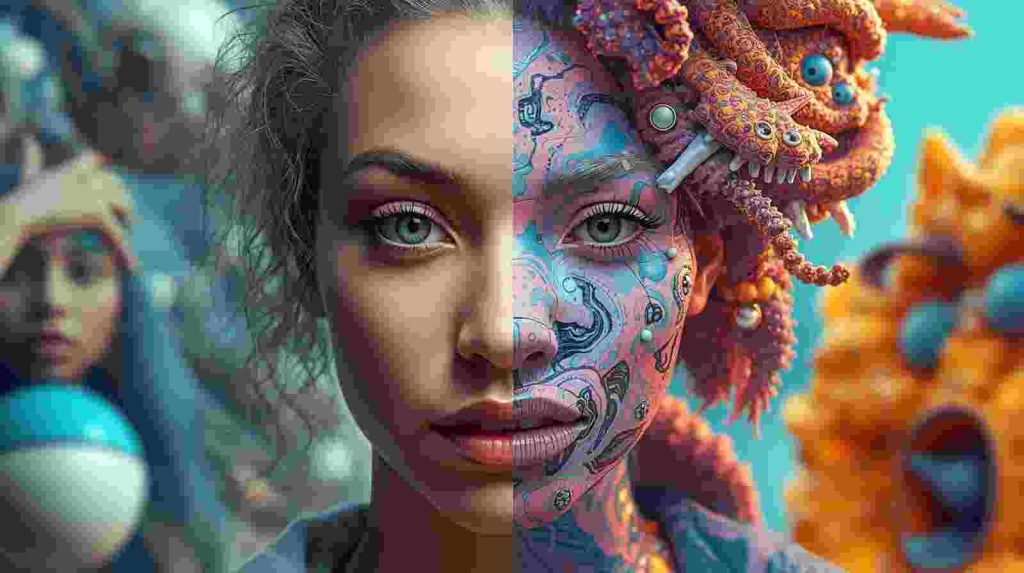
The free Bing AI Image Generator can be applied across industries:
- Content Creation: Bloggers can illustrate articles without stock photo costs.
- Marketing: Small businesses can design ad creatives and social posts.
- Education: Teachers can create engaging visuals for lessons.
- Personal Use: Users can generate fun, personalized artwork.
This versatility makes it particularly attractive for users experimenting with AI without large budgets.
Tips for Getting the Best Results
Maximize your experience with these strategies:
- Be Specific in Prompts: Add details like style, mood, or perspective.
- Experiment with Variations: Try multiple phrasings of prompts.
- Use Style Keywords: Include terms like “watercolor,” “photorealistic,” or “cartoon.”
- Leverage Daily Boosts: Save them for important projects.
- Stay Updated: Microsoft frequently enhances the tool, so check for new features.
Future of Bing AI Image Generation
As AI art continues to expand, Microsoft is likely to:
- Improve prompt interpretation for better accuracy.
- Expand free quotas or offer tiered pricing models.
- Integrate deeper with Office apps like PowerPoint and Word.
- Enhance ethical safeguards to prevent misuse.
The future of AI-driven creativity looks bright, and Bing is positioning itself as a strong player in this evolving market.
Conclusion
The Bing AI Image Generator free tool is a game-changer for casual creators, marketers, and professionals seeking accessible AI-powered visuals. While it has limitations such as content restrictions and limited daily boosts, its benefits make it a top choice for anyone exploring AI image generation without financial commitment.
When paired with conversational AI systems like those explored in our article on Perplexity AI vs. ChatGPT differences Bing’s tool represents how AI can cover both text and visual creativity. If you want to step into the world of AI-generated art without cost or complexity, Bing is the perfect starting point.
FAQs
It’s a free tool powered by Microsoft and OpenAI’s DALL·E, allowing users to create images from text prompts.
Yes, it offers free daily boosts, but additional generations may be slower after those are used.
In most cases, yes, but always review Microsoft’s licensing and copyright guidelines before use.
Bing is free and simple, while MidJourney and Stable Diffusion offer more customization but require subscriptions or technical expertise.
No, it’s accessible directly in Bing and Microsoft Edge no installation required.